
Microsoft Copilot’s Deep Research feature is being retired from the consumer Copilot app starting August 18, 2026. If you use Copilot for detailed research, reports, or finding information from multiple sources, you may be wondering what to use instead.
The good news is that there are several AI research tools available today that can help you find information, summarize sources, compare ideas, and create detailed reports.
In this guide, we’ll look at 7 free Copilot Deep Research alternatives in 2026, what each tool is best for, and which one you should choose.
If you are looking for Microsoft Copilot Deep Research alternatives, several AI tools can help..
What Is Happening to Microsoft Copilot Deep Research?
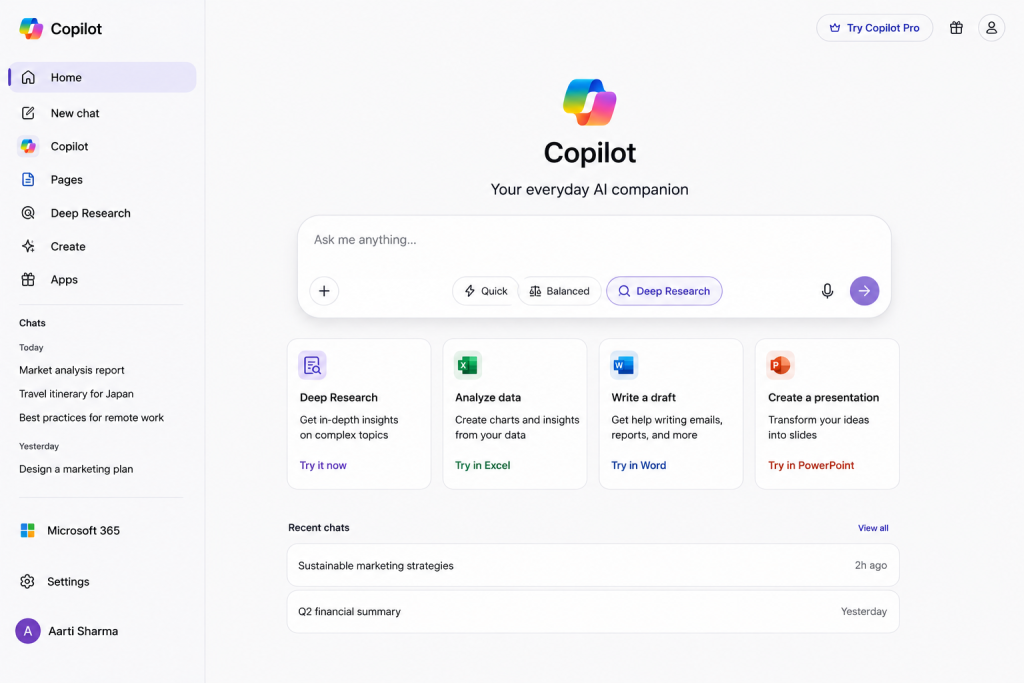
Microsoft is retiring the Deep Research feature from the consumer version of Copilot on August 18, 2026. The feature was designed to perform deeper research by gathering information from multiple sources and creating detailed reports.
If you have used Copilot Deep Research for school projects, research, content creation, or general information gathering, you will need another AI research tool after the retirement date.
The good news is that several AI tools can perform similar research tasks, and some of them offer free plans or free features.
7 Free Copilot Deep Research Alternatives in 2026 :
Here are seven Microsoft Copilot Deep Research alternatives AI tools that can help you with research, finding information, analyzing sources, and creating detailed answers.
1- Perplexity :
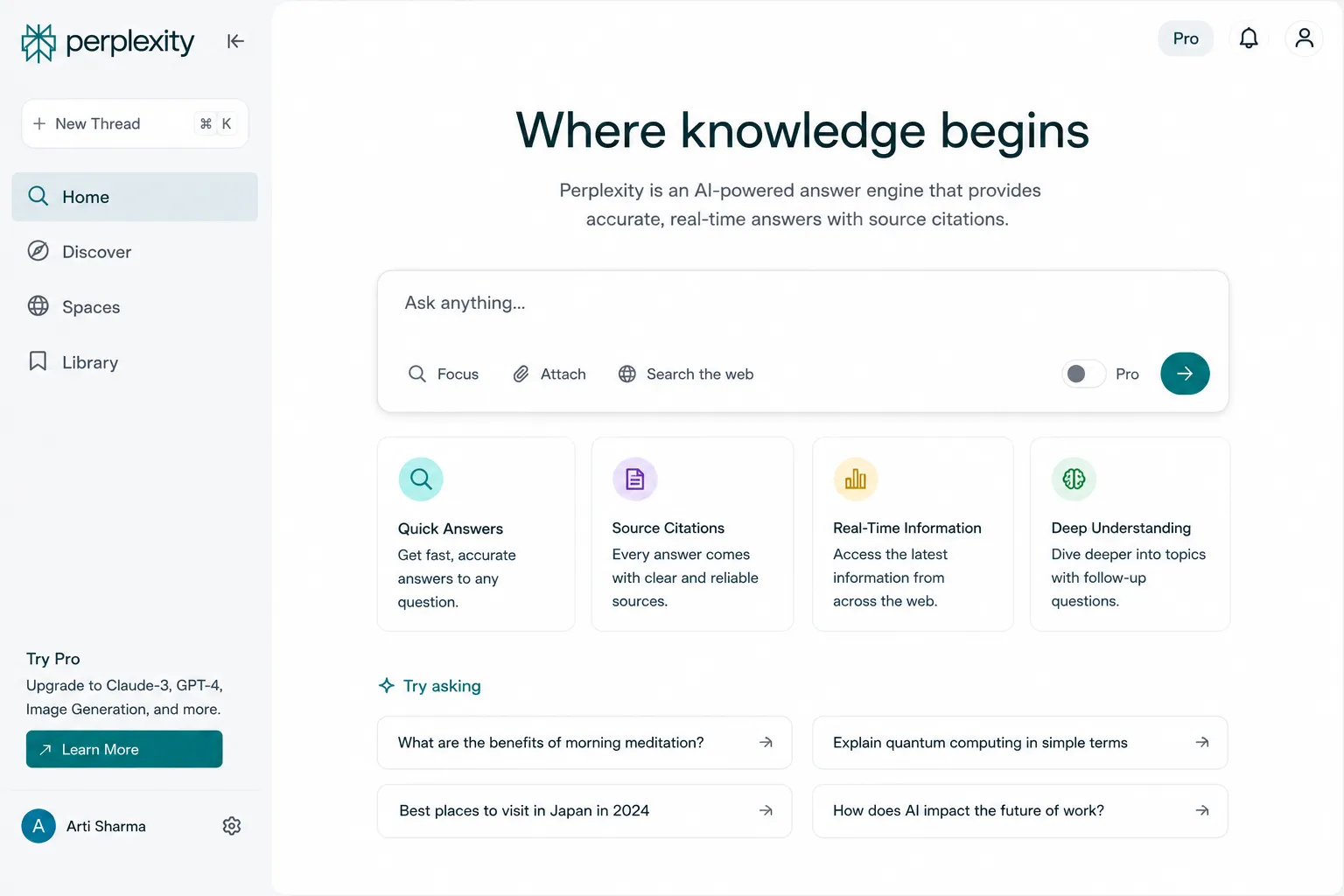
Perplexity is one of the strongest alternatives to Copilot Deep Research for web-based research. It searches the web, provides answers with citations, and helps users quickly find information from multiple sources.
It is especially useful when you want to research a topic and check where the information came from. The free version can be useful for everyday research, although some advanced features may have usage limits.
Best for: Web research, fact-checking, finding sources, and quick research reports.
2- Google Gemini :
Google Gemini is another useful alternative to Copilot Deep Research, especially for users who want AI-powered research combined with Google’s ecosystem. Gemini can help summarize information, compare different ideas, explain complex topics, and assist with research tasks.
Gemini is a good option for students, writers, and general users who need help understanding information quickly. Some advanced Gemini features may depend on the plan and availability in your region.
Best for: Research, summaries, brainstorming, learning, and working with information from the web.
3- ChatGPT :
ChatGPT is a strong alternative for research because it can search the web and provide answers with source links. For more complex research tasks, ChatGPT also offers Deep Research, which can gather information from multiple sources and produce a structured report with citations.
It can be useful for comparing products, researching a topic, summarizing information, analyzing uploaded files, and creating organized reports. Availability and usage limits for Deep Research depend on the user’s plan and location.
Best for: Detailed research, source-based answers, summaries, comparisons, and report creation.
4- Claude :
Claude is another useful AI assistant for research, writing, summarization, and analyzing information. Anthropic has also added web search capabilities to Claude, allowing it to find up-to-date information when web search is enabled.
Claude can be particularly useful when you need to understand long documents, organize information, summarize research, or develop a detailed written answer. For users who work with large amounts of text, it can be a practical alternative to Copilot Deep Research.
Best for: Long documents, research writing, summarization, analysis, and detailed explanations.
5- NotebookLM :
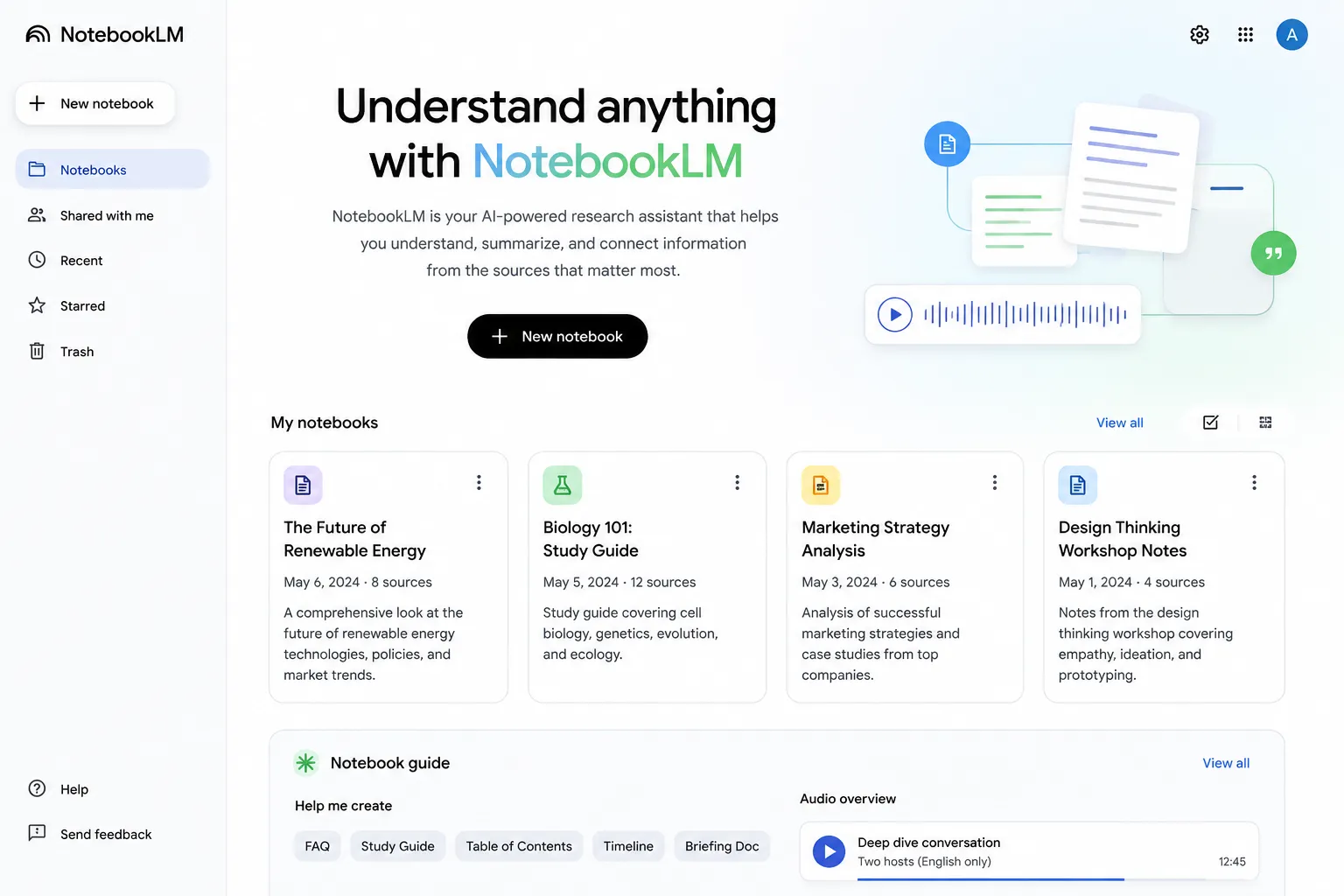
NotebookLM is a useful choice if your research is based on specific documents and sources. You can add sources to a notebook and then use AI to understand, summarize, and explore the information. This makes it particularly useful for research papers, study material, PDFs, and other documents.
NotebookLM can also turn your source material into different formats, including audio overviews and slide decks, making it useful for learning and reviewing large amounts of information.
Best for: PDFs, research papers, study material, document analysis, and source-based research.
6- Elicit :
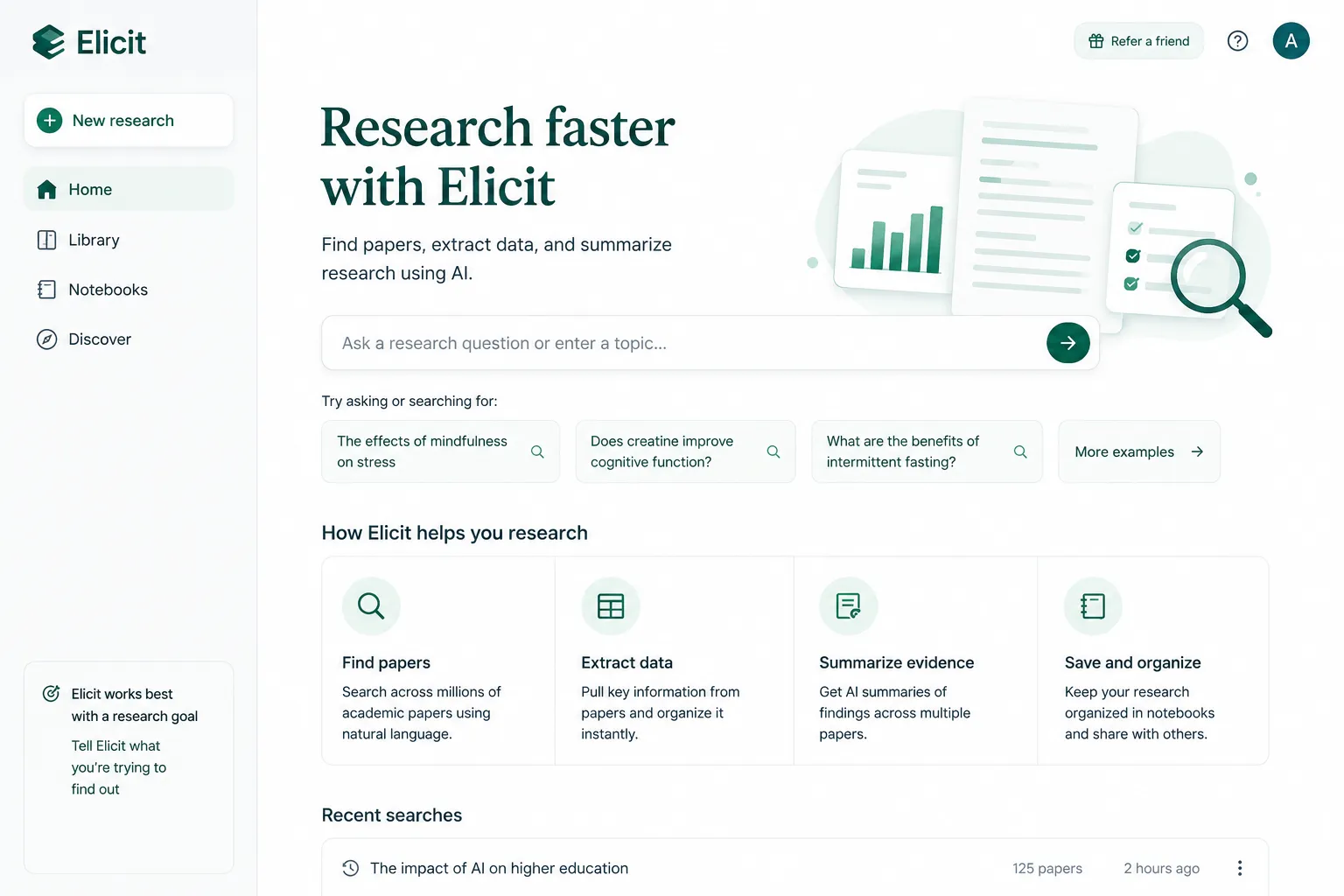
Elicit is a specialized AI research tool designed mainly for academic and scientific research. It can search, summarize, and analyze research papers, making it useful when you need evidence from published studies rather than general web information. Elicit says its platform can search and work with more than 125 million papers.
Elicit is particularly useful for literature reviews because it can help researchers screen papers and extract information into structured results. Its free Basic plan includes limited usage for some advanced research features, while search and paper summaries are available more broadly.
Best for: Academic research, research papers, literature reviews, scientific studies, and evidence-based research.
7- Google AI Mode :
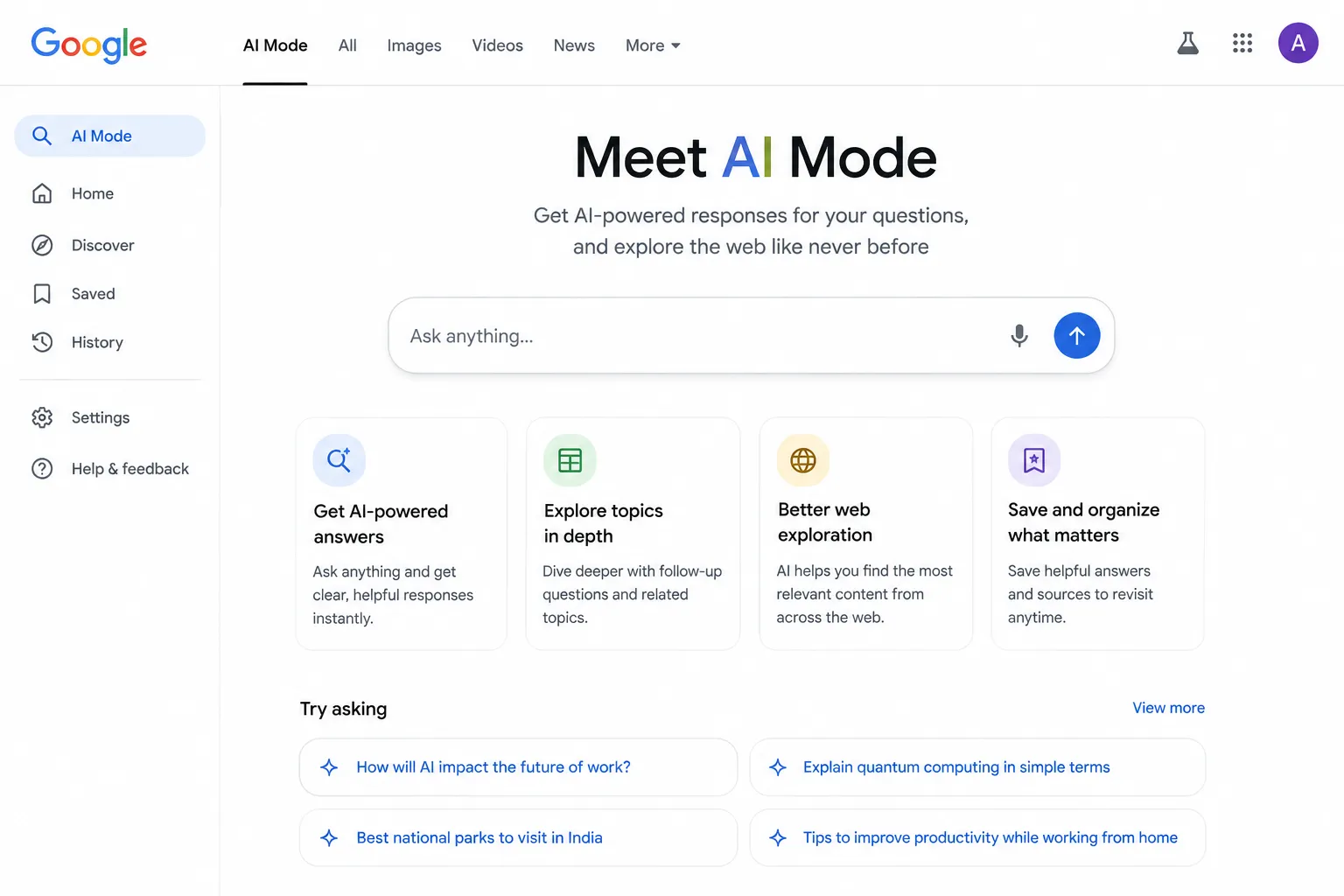
Google AI Mode is a powerful option for people who want AI-powered answers directly inside Google Search. It is designed for more complex questions and can help users explore a topic through follow-up questions and links to relevant websites. Google has continued expanding AI Mode with new ways to explore information and discover original content across the web.
AI Mode can be useful when you want to research a topic while still having access to the wider web. It is especially helpful for exploring different sources, asking follow-up questions, and going deeper into a subject instead of making several separate searches.
Best for: Web research, exploring complex topics, finding websites, follow-up questions, and discovering current information.
Copilot Deep Research Alternatives: Quick Comparison :
| Tool | Best For | Free Option | Research Focus |
| Perplexity | Web research | Yes | Web + Sources |
| Google Gemini | General research | Yes | Web + Google |
| ChatGPT | Detailed research | Yes | Research + Reports |
| Claude | Analysis & writing | Yes | Analysis + Web |
| NotebookLM | PDFs & documents | Yes | Your Sources |
| Elicit | Academic research | Yes | Research Papers |
| Google AI Mode | Google search research | Yes | Web Search |
Current coverage also identifies these seven tools as alternatives to Copilot Deep Research, while Microsoft confirms that consumer Copilot Deep Research will no longer be available after August 18, 2026.
Which Copilot Deep Research Alternative Is Best?
There is no single AI research tool that is best for everyone. The right choice depends on what you want to research and where your information comes from.
For general web research: Perplexity is a strong choice because it focuses on web search and provides sources with its answers.
For detailed reports and analysis: ChatGPT is a good option for users who want structured answers and detailed research workflows.
For Google users: Gemini can be a convenient choice, especially if you already use Google Search and other Google services.
For PDFs and your own documents: NotebookLM is a better fit when you want AI to work with sources that you provide yourself.
For academic research: Elicit is designed specifically around research papers and literature reviews.
For long-form analysis and writing: Claude is useful when you need detailed explanations, document analysis, and polished writing.
For research directly from Google Search: Google AI Mode is useful for exploring complex questions and discovering information across the web.
Is Microsoft Researcher a Free Alternative?
Microsoft Researcher is the official alternative Microsoft recommends for in-depth research after Copilot Deep Research is retired. However, it is not a free replacement for everyone.
Microsoft says that after August 18, 2026, Microsoft 365 Premium subscribers can continue creating detailed reports and analyses using Researcher in Copilot. Deep Research and Researcher are separate experiences, although they are designed for similar in-depth research tasks.
If you are looking for a free alternative, you can try tools such as Perplexity, Gemini, ChatGPT, Claude, NotebookLM, Elicit, or Google AI Mode instead.
Best for: Microsoft 365 Premium users who want to continue doing in-depth research inside Copilot.
Frequently Asked Questions :
1- When is Microsoft Copilot Deep Research being retired?
Microsoft is retiring Deep Research in the Copilot app for consumers starting August 18, 2026.
2- What is the best free alternative to Copilot Deep Research?
There is no single best option for everyone. Perplexity is a strong choice for web research, while NotebookLM is useful for working with your own documents. Gemini, ChatGPT, Claude, Elicit, and Google AI Mode are also useful depending on your research needs.
3- Is Copilot Deep Research completely going away?
The Deep Research experience is being retired from the consumer Copilot app. Microsoft says users who need similar in-depth research can use Researcher, which is available to Microsoft 365 Premium subscribers.
4- Can I still use my old Copilot Deep Research reports?
Microsoft says existing research content will remain available after the retirement. Users can still access previously created research content in Copilot.
5- Which AI tool is best for academic research?
Elicit is a strong choice for academic research because it focuses on research papers and literature reviews. NotebookLM is another useful option when you want to analyze your own research documents and sources.
Which Copilot Alternative Should You Choose?
Microsoft Copilot Deep Research is being retired from the consumer Copilot app starting August 18, 2026.
However, you do not have to stop using AI for research. There are several alternatives available, and the best choice depends on what you need.
Perplexity is a great option for web research and finding sources. ChatGPT is useful for detailed research and structured reports. Gemini is a good choice for users who prefer Google’s ecosystem. NotebookLM works especially well with your own PDFs and documents, while Elicit is better suited to academic research.
If you regularly use AI for research, it is worth trying two or three tools and comparing their results before choosing your main one.
Our top pick for general free web research is Perplexity, while NotebookLM is our pick for working with your own documents.
Have you been using Copilot Deep Research? Which alternative are you planning to use? Let us know in the comments.
These Microsoft Copilot Deep Research alternatives can help you continue your research workflow..