
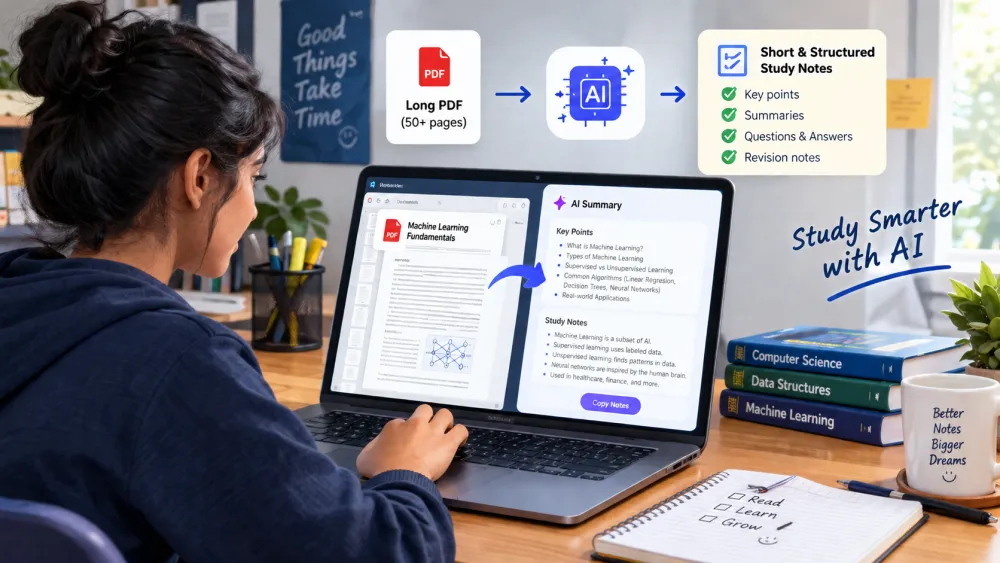
Studying a long PDF can be difficult and time-consuming, especially when you have lecture notes, textbook chapters, research papers, or exam material to cover.
A freeAI PDF summarizer for studentscan help you quickly turn long PDF files into simple and useful study notes.
In this guide, we’ll explore the best freeAI PDF summarizer tools for students in 2026.
We’ll explain which tool is useful for different study needs, such as summarizing lecture notes, understanding textbook PDFs, reviewing research papers, and preparing for exams.
You can also use these AI tools to summarize a PDF into study notes, find important topics, ask questions from a PDF, create flashcards, and make practice quizzes.
Quick AnswerIf you want to summarize a PDF for studying, the right AI tool depends on your goal.
Some tools are better for short PDF summaries, while others can turn PDFs into study guides, flashcards, or quiz questions.
AI PDF summaries can save students a lot of time, but they should not replace the original material completely.
Always check important information in the original PDF before using it for exams or assignments.
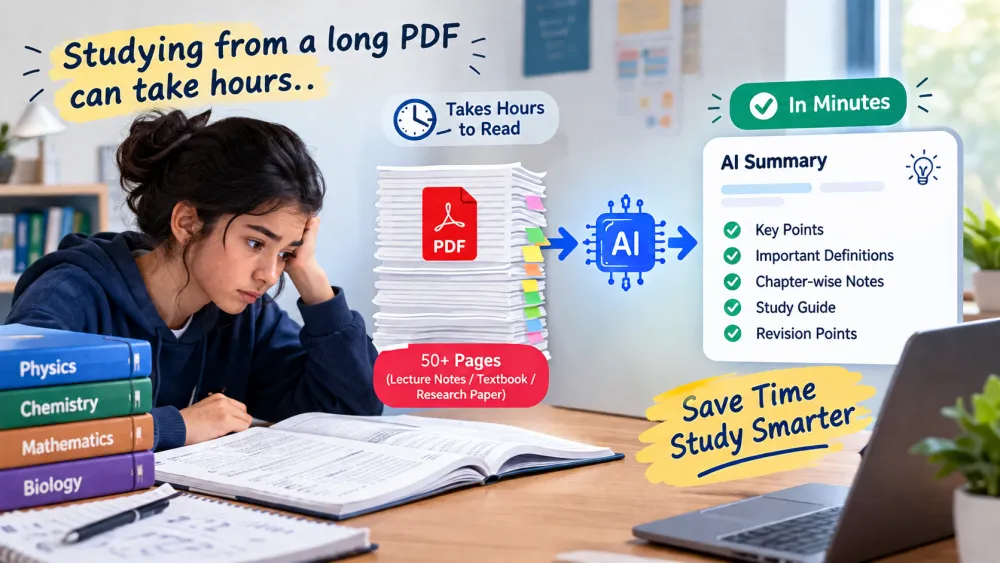
Why Should Students Use an AI PDF Summarizer?
Imagine you have a 50-page lecture PDF and your exam is tomorrow.
Reading the whole PDF carefully can take several hours.
A freeAI PDF summarizer for students can help you
understand a long PDF faster.
A free AI PDF summarizer for students can save time when studying lengthy PDFs.
It can find the most useful information and turn it into simple study notes, such as:
*Main topics from the PDF
* Important definitions
* Key points and ideas
* Important arguments
* Chapter-wise PDF notes
* Main conclusions
* Possible exam questions
* Quick revision pointsStudents can also use an AI tool to
summarize lecture notes before studying the original material in detail.
This can be especially helpful when preparing for exams or reviewing a long textbook PDF.
However, an AI summary should not completely replace the original PDF.
AI tools may sometimes miss important details, context, examples, or academic information.
The best approach is to use an AI PDF summarizer for exam preparation as a first step.
After getting the summary, go back to the important sections of the original PDF and study them carefully.
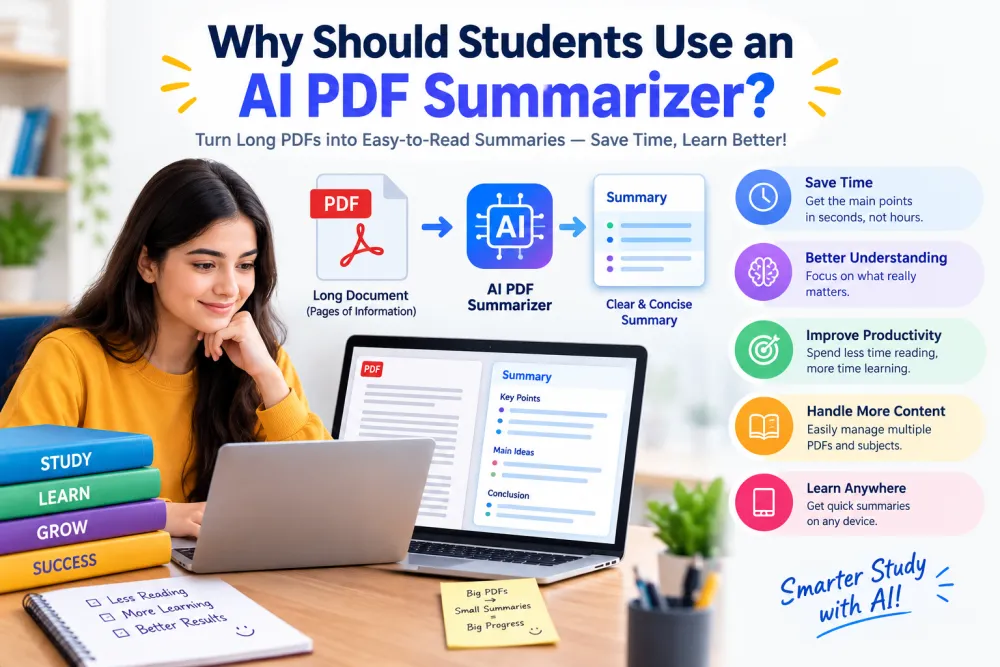
7 Free AI Tools to Summarize PDF for Students
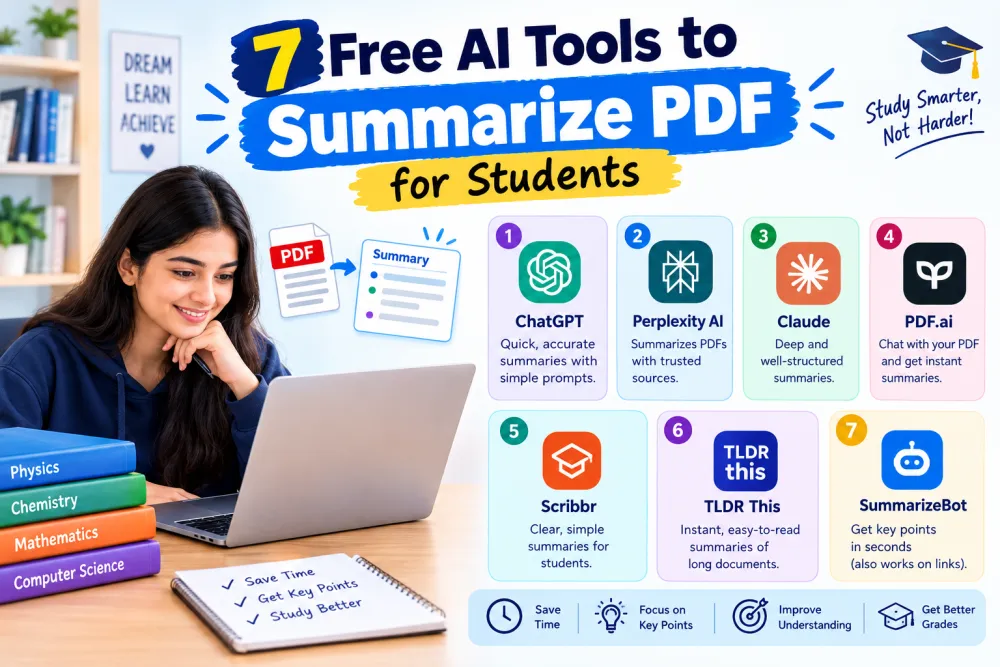
1-NotebookLM — Best for Summarizing PDFs into Study Notes
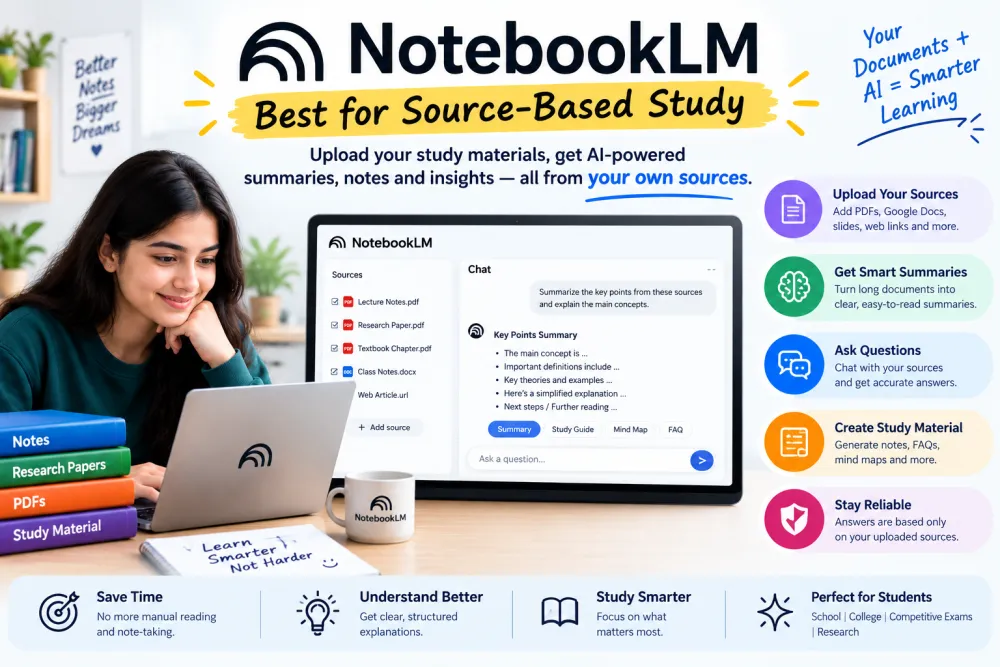
NotebookLM is an AI tool that helps you study from your own notes, PDFs, and other documents.
Instead of asking general questions, you can upload your study material and ask questions about it.
It can help you understand difficult topics, create simple summaries, find important points, and organize your notes for revision.
You can also use it to review your study material and prepare for exams more easily.
Best for:
* College and university students
* Lecture notes
* Study PDFs
* Research papers
* Exam preparation
Why Students May Like NotebookLM:
NotebookLM for students is useful when you have a lot of study material and want to understand it more easily.
You can upload your PDFs, lecture notes, research papers, or other study materials and ask questions about them.
NotebookLM can help you find important information, explain difficult topics, and create simple summaries from your sources.
For example, instead of asking:
“What is photosynthesis?”
You can ask:“Explain the photosynthesis chapter from my uploaded PDF in simple language.”
This way, your question stays connected to the material you are studying.
You can also ask more questions about the same chapter if something is still unclear.
How NotebookLM Can Help With Studying You can use it to:
* Summarize long PDFs and notes
* Explain difficult topics in simple words
* Find important points from your study material
* Create questions for practice
* Make study guides for revision
* Review multiple study documents in one place
Google also highlights NotebookLM for creating study guides and practice questions from uploaded class material.
Best Use:
NotebookLM for studying when your study material is spread across different PDFs, lecture notes, research papers, or course documents.
Instead of reading everything again and again, you can use NotebookLM to understand, summarize, and revise your own study material more easily.
ChatGPT PDF Summary for Students
ChatGPT can help you turn a long PDF into short and easy notes.:
Just upload your study PDF and tell ChatGPT what you want to learn from it.
For example, you can ask:
“Summarize this PDF in simple language and give me the 20 most important points for my exam.”
You can also ask ChatGPT to create:
* Short study notes
* Chapter summaries
* Important definitions
* Questions and answers
* Revision notes
* Simple explanations
* Exam questions
A Useful ChatGPT Prompt for Students
Instead of simply saying “Summarize this PDF,” give ChatGPT a clear instruction.
Try this prompt.
"Read this PDF and make simple exam notes. Include the main concepts, definitions, formulas, examples, and important questions. Use only information from the PDF.”
A clear prompt helps you get notes that are easier to read, understand, and revise.
Best for :
ChatGPT PDF summaries are useful for students who need to understand long PDFs, make quick notes, and revise before exams.
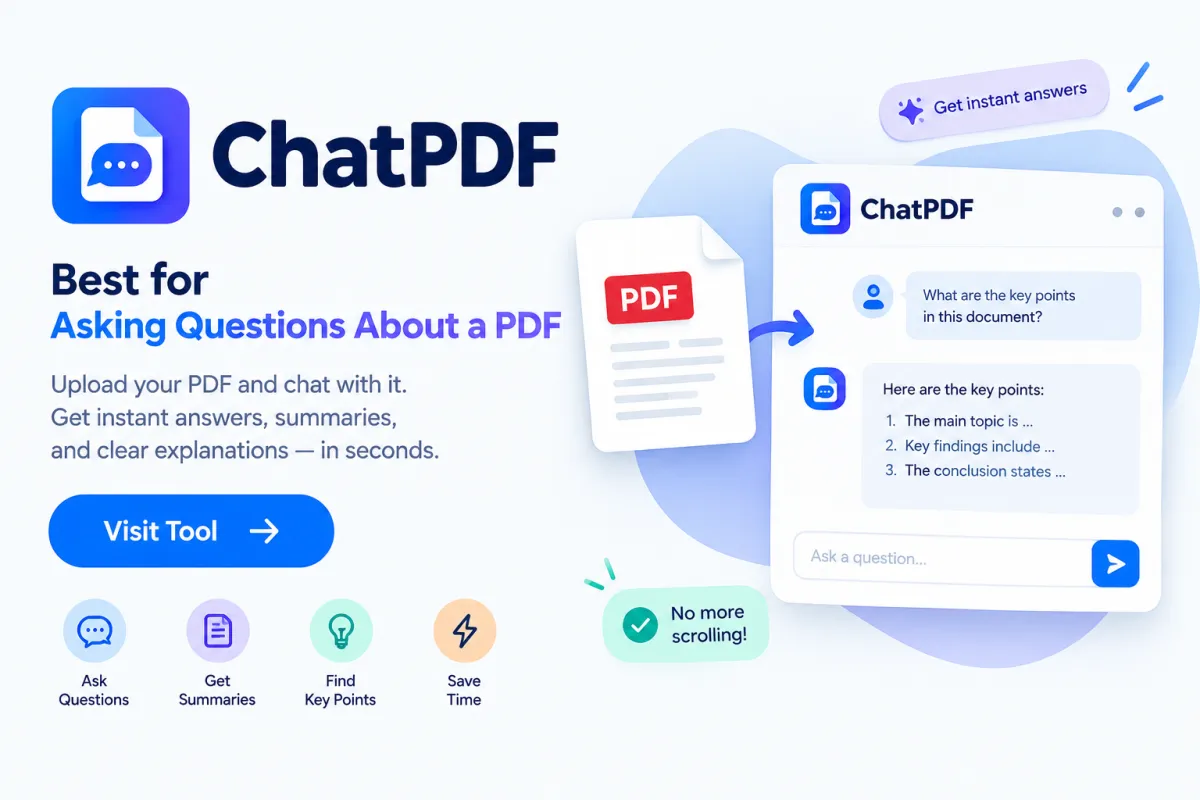
ChatPDF for Students ChatPDF lets you chat with your PDF instead of reading the whole document.
Upload your study PDF and ask questions about any topic, chapter, or page.
For example:
* “Explain Chapter 3 in simple language.
* “What are the main points?
* “Give me the important definitions.
* “Summarize pages 20 to 35.
* “Create 5 questions from this chapter.”
Best for:
ChatPDF for students is useful for studying research papers, textbooks, lecture notes, and long PDFs.
It helps you find important information and understand your study material faster.
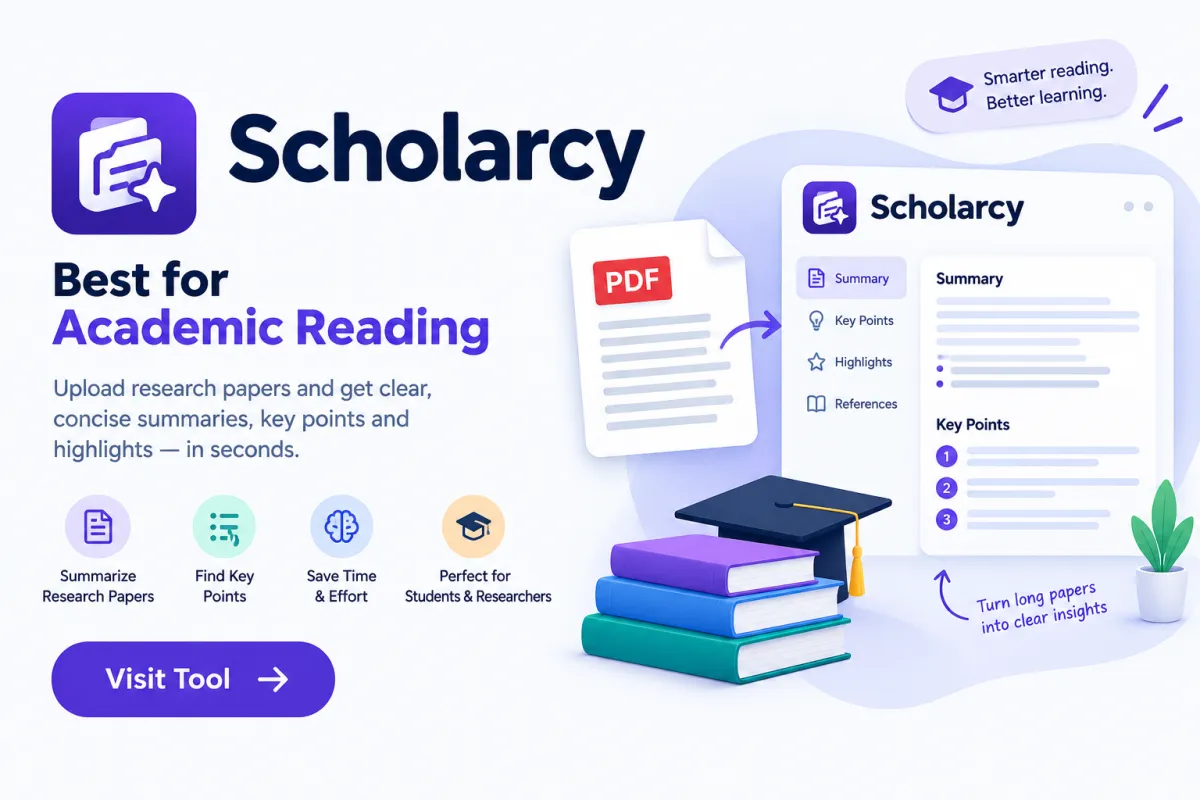
Scholarcy for Students Scholarcy is useful for summarizing research papers and academic PDFs.
It can help you quickly find:
* Main ideas
* Key points
* Important references
* Research findings
* Technical information
What is a scholar?
A scholar is a person who studies and learns deeply about a particular subject, especially in education or research.
Best for :
Scholarcy for students is best for college students, researchers, and anyone reading academic papers.
For important research, always check the original paper before using the information.
QuillBot can help students shorten long text and make it easier to read.
It is useful for:
* Short notes
* Quick summaries
* Revision notes
* Simplifying long text
* Writing tasks
Best for:
QuillBot for students is a good choice when you already have text from a PDF and want a quick, simple summary.
For very large PDFs, a dedicated PDF tool may be easier to use.
Adobe Acrobat for students is useful if you work with PDF files regularly.
You can use it to:
* Read and highlight PDFs
* Ask questions about documents
* Find important information
* Organize notes
* Extract text and details
Best for :
Students who want one PDF tool for reading, notes, and quick document help, not just summaries.
7. Dedicated Free AI PDF Summarizers
More AI PDF Summarizer Tools
There are many AI PDF summarizer tools that can help you understand long PDFs faster.
The basic process is simple:
Upload PDF → AI reads it → Get a summary → Make notes
Some tools also offer:
* Flashcards
* Quizzes
* Key points
* Study notes
* Questions and answers
These features can be helpful for students who want to read less and revise faster.
Keep in mind that free plans and limits can change.
Before uploading important documents, check the tool's current limits and privacy policy.
Quick Comparison:
Tool
Best For
Student Use
NotebookLM
Source-based learning
⭐⭐⭐⭐⭐
ChatGPT
Custom summaries
⭐⭐⭐⭐⭐
ChatPDF
PDF questions
⭐⭐⭐⭐
Scholarcy
Research papers
⭐⭐⭐⭐
QuillBot
Quick text summaries
⭐⭐⭐⭐
Adobe Acrobat AI
PDF workflow
⭐⭐⭐⭐
Other PDF summarizers
Other PDF summarizers
⭐⭐⭐
Note: Free plans, upload limits, and available features can change, so check the tool's current pricing and feature page before using it.
How to Use a Free AI PDF Summarizer for Students
Using an AI PDF summarizer is easy. Follow these simple steps:
Step 1: Choose your PDF
Select your lecture notes, textbook, research paper, or any study
PDF.
Step 2: Upload the PDF
Open your AI PDF tool and upload your document.
Step 3: Give a clear prompt
Don't just type:
“Summarize this PDF.”
Instead, tell the AI exactly what you need.
For example:
“Summarize this PDF in simple language. Include the main ideas, important definitions, examples, and key points for revision.”
Step 4:
Ask more questions
After getting the summary, you can ask:
“Explain the difficult topics in simple words.”
Then:
“Create 15 multiple-choice questions from this PDF.”
You can also ask:
“Create a one-page revision sheet from this PDF.“
A free AI PDF summarizer for students can turn lengthy documents into concise study notes.
This simple process can turn an AI PDF summarizer Tool into a useful study assistant.
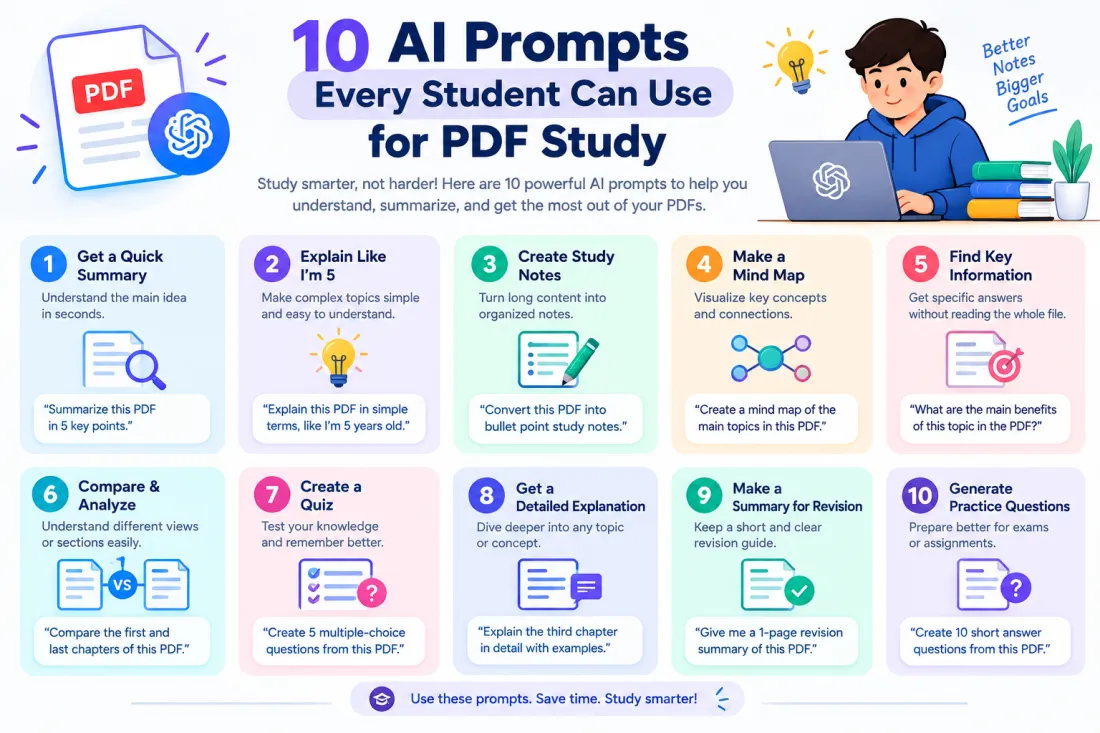
You can copy and paste these AI PDF prompts into ChatGPT or any AI PDF tool.
1. Simple PDF Summary
Prompt:
“Summarize this PDF in simple language. Give me the most important points."
2. Exam Notes
Prompt:
“Create short exam notes from this PDF. Include important concepts, definitions, formulas, and examples."
3. Chapter Summary
Prompt:
“Summarize each chapter in simple language. Give me 5 important points from each chapter."
4. Important Questions
Prompt:
“Create 20 important questions from this PDF and give short answers."
5. MCQ Questions
Prompt:
“Create 20 multiple-choice questions using only information from this PDF."
6. Study Flashcards
Prompt:
“Create simple question-and-answer flashcards from the important topics in this PDF."
7. Explain Difficult Topics
Prompt:
“Explain the difficult topics in this PDF in simple language, like you are teaching a beginner."
8. Quick Revision
Prompt:
“Create a one-page revision sheet with only the most important points from this PDF."
9. Research Paper Summary
Prompt:
“Summarize this research paper. Include its main goal, method, findings, limitations, and conclusion."
10. Important Exam Topics
Prompt:
“Find the most important topics for exam preparation and explain why each topic is important."
Quick Tip
The more clearly you tell the AI what you need, the more useful your AI PDF summary can be. For important study work, always check the answer against the original PDF.
A free AI PDF summarizer for students can also make it easier to prepare useful study notes before using these prompts.
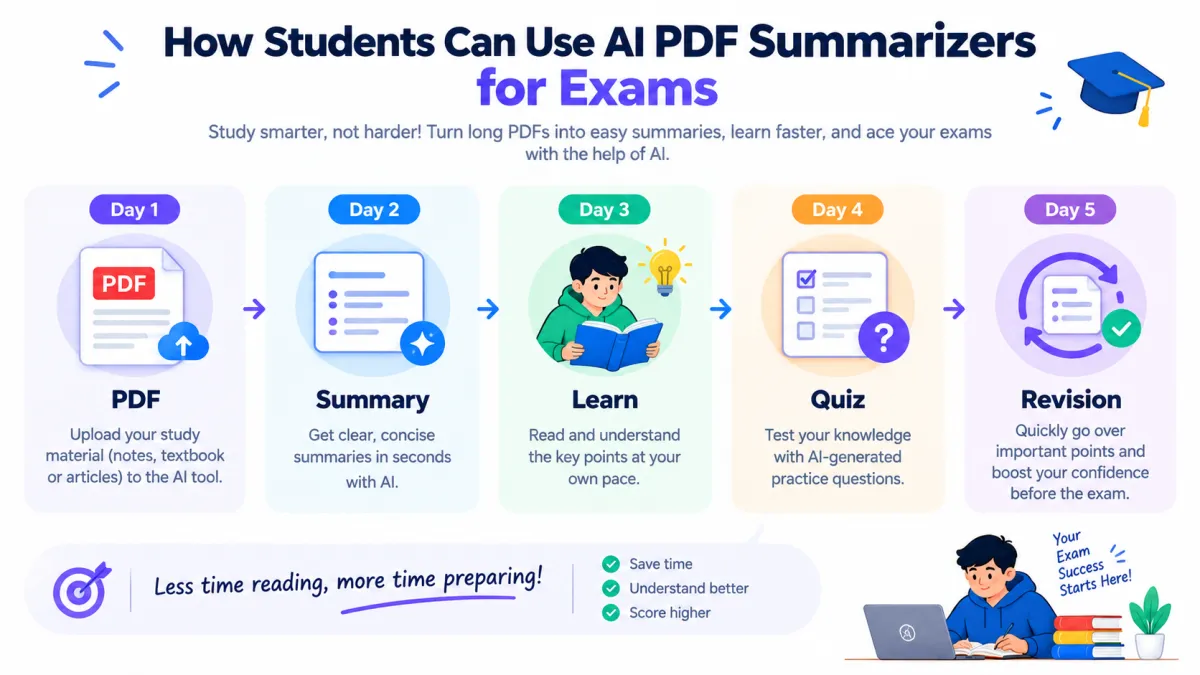
A good workflow is:
PDF → Summary → Questions → Quiz → Revision
For example:
Day 1 — Understand
Upload your lecture PDF and generate a structured summary.
Day 2 — Learn
Ask the AI to explain difficult concepts using simple examples.
Day 3 — Test Yourself
Generate multiple-choice questions and short-answer questions.
Day 4 — Revise
Create flashcards or a one-page revision sheet.
This approach is better than simply reading an AI-generated summary once.
Can AI Summarize a 50 or 100-Page PDF?
Yes, a long PDF summarizer can help you summarize large documents. However, the file and page limits depend on the AI tool and its plan.
A free AI PDF summarizer for students can also make it easier to prepare useful study notes before using these prompts.
A 100-page/Long PDFs may also contain:
* Images and charts
* Tables
* Scanned pages
* Formulas
* Footnotes
* Different page layouts
These elements can sometimes make the AI summary less accurate.
Tip:
Always check important information in the original PDF. A summary may not include every important detail.
Can AI Summarize Scanned PDFs?
It depends on whether the tool supports OCR.
A normal text PDF is easy for AI to read.
A scanned PDF is usually made of page images, so the AI may not be able to read the text directly.
A free AI PDF summarizer for students can also make it easier to prepare useful study notes before using these prompts.
An OCR PDF summarizer can first extract the text from scanned pages and then create a summary.
Tip: Check the tool's current OCR support before uploading an important scanned PDF.
Are AI PDF Summaries Always Accurate?
No. An AI summary can sometimes miss or misunderstand important information.
It may:
* Miss key details
* Give the wrong meaning
* Make a topic too simple
* Miss information in tables or images
* Give an incorrect answer
So, use an AI PDF summary as a study aid, not as a replacement for your original textbook, notes, or research paper.
Tip: Always check important information in the original PDF, especially for exams and academic work.
Which AI PDF Summarizer Is Best for Students?
There is no single best AI PDF summarizer for students. The right tool depends on what you need.
Choose NotebookLM when:
You want to study from your own PDFs, notes, and sources.
Choose ChatGPT when:
You want custom summaries, explanations, questions, and study prompts.
Choose ChatPDF when:
You want to ask questions about one PDF.
Choose Scholarcy when:
You mainly read research papers and academic documents.
Choose QuillBot when:
You need quick summaries of text and writing help.
Choose Adobe Acrobat AI when:
You work with PDFs regularly and want AI features built into your PDF workflow.
A free AI PDF summarizer for students can also make it easier to prepare useful study notes before using these prompts.
free AI PDF summarizer for students can make studying faster and easier when used correctly.
Instead of only shortening a PDF, you can use AI to follow a simple study process:
Summarize → Understand → Ask Questions → Create Quiz → Revise
For a long lecture note, research paper, or textbook chapter, start with a simple summary. Then check the original PDF to make sure the important information is correct.
The best tool depends on your needs. Some tools are better for studying your own PDFs, while others are better for making exam notes, questions, or quick summaries.
During exam preparation, a free AI PDF summarizer for students can make revision faster and easier.
Most importantly, don't depend only on an AI summary. Use it as a study helper to understand your material, save time, and make revision easier.
Frequently Asked Questions
What is the best free AI tool to summarize PDFs for students?
There is no single best tool for every student.
NotebookLM, ChatGPT, ChatPDF, and Scholarcy are all useful for different needs.
Some are better for PDF summaries, while others are useful for asking questions, making exam notes, or studying research papers.
Choose the tool that best matches your study need
Can I summarize a PDF for free with AI?
Yes. Many free AI PDF summarizer tools offer free plans or limited PDF summaries. Free limits may vary by tool.
Can AI summarize a textbook PDF?
Yes. An AI PDF summarizer can summarize textbook chapters, notes, and other study PDFs.
Can AI make notes from a PDF?
Yes. You can ask AI to turn a PDF into short notes, bullet points, revision notes, or flashcards.
Is it safe to upload a college PDF to AI?
Check the tool's privacy policy before uploading private or sensitive documents. Avoid uploading confidential files.
Can AI summarize a research paper?
Yes. AI can help summarize the main goal, methods, findings, and conclusion of a research paper. Always check important information against the original paper.
Can AI create exam questions from a PDF?
Yes. You can use an AI PDF summarizer for students to create MCQs, short questions, answers, and practice tests from your study material.
Good